Google Wallet Now Tracks Your Packages — Here's What You Need to Know

Google Wallet now scans your Gmail for tracking numbers and shows package status right alongside your payment cards. No more hunting through your inbox for tracking links.

Google Wallet Now Tracks Your Packages — Here's What You Need to Know
So Google just dropped a new feature in Wallet that’s actually pretty useful — package tracking. I saw this and thought, wait, wasn’t this a thing before? I swear PayPal had something like this years ago. Or maybe I’m mixing things up. Either way, Google’s doing it now, and honestly, I think it’s better coming from them. Here’s how it works. Google scans your Gmail inbox, picks up on digital receipts and tracking numbers, then boom — your upcoming deliveries show up right in Google Wallet, sitting next to your credit cards and passes. You don’t have to do anything: No manual entry — it auto-detects tracking numbers No separate app — it’s already on your phone No inbox mess — your Gmail stays untouched I’ve been using dedicated shipment …

Apple Vision Pro 2: Rumors, Specs, and What to Expect

Apple is rumored to be working on a lighter, more affordable version of its spatial computer. Here is everything we know about the specs, pricing, and release date.

Apple Vision Pro 2: Rumors, Specs, and What to Expect
The first Apple Vision Pro wowed tech enthusiasts but struggled with its hefty weight and eye-watering €3,990 price tag. Rumors suggest Apple is addressing both issues for its successor. What to Expect in Version 2 Lighter Design: Expected to weigh 15-20% less to improve wearing comfort over long sessions. Dual Tier Lineup: Rumors point to a “Vision” standard model (around €1,500) alongside a high-end “Vision Pro 2”. M5 Chipsets: Processing upgrades to leverage more advanced spatial computing tasks. 🕶️ Pro tip: While waiting for the Vision Pro 2, you can check out these lightweight AR smart glasses for a budget-friendly multi-screen desktop setup. A launch date is rumored for late 2026 or early 2027. If Apple can lower the entry price below €2,000, spatial computing …

Running Local AI: How to Run LLMs Privately on Your Own Hardware

Tired of sharing your private conversations with corporate servers? Learn how to self-host open-source AI models locally with zero data leakages.

Running Local AI: How to Run LLMs Privately on Your Own Hardware
Cloud-based chatbots are powerful, but they log everything you type. For developers and privacy advocates, local Large Language Models (LLMs) are the perfect alternative. With tools like Ollama and Llama 3, you can run a fully capable assistant completely offline. Why Go Local? Absolute Privacy: Your prompts and code never leave your physical machine. No Subscriptions: Once you have the hardware, running the models is completely free. Offline Capability: Write code or analyze documents during flights or internet outages. 💻 Hardware Recommendation: To run local LLMs smoothly, you will need a powerful GPU. We recommend at least 16GB of VRAM or an Apple Silicon Mac with unified memory. Check out our GPU Buying Guide for local AI. Getting Started in 5 Minutes Download Ollama, run ollama run …

Tesla Model 3 Winter Range: Real World Test Results

We tested the Tesla Model 3 RWD Standard in German winter conditions. The results were eye-opening — and not what WLTP claims suggest.

Tesla Model 3 Winter Range: Real World Test Results
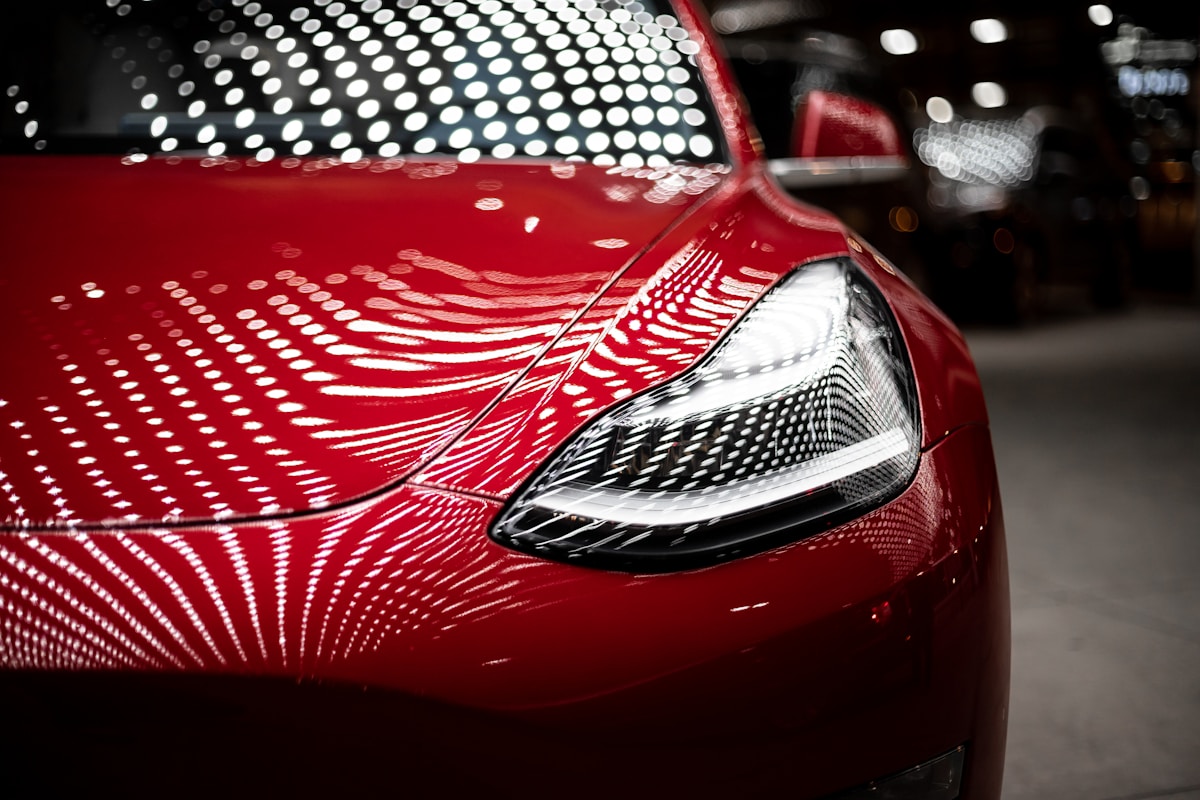
The Tesla Model 3 RWD Standard is advertised with 534 km WLTP range. But what happens when winter hits Germany? We drove 2,000 km in December and January temperatures (-5°C to 5°C). Here’s what we found: Real Winter Range Results 100% SoC start: 427 km actual range Highway (120 km/h): 350 km range City driving: 400-420 km range Cold start penalty: 15-20 km lost on first trip The LFP battery in the Standard range model loses 20-30% in cold weather. This is normal for lithium iron phosphate chemistry. 💡 Pro tip: If you're planning long winter trips, consider a high-quality home charger to start each day at 100%. It makes a huge difference. How to Maximize Winter Range Pre-condition your car while plugged in. Use seat heaters instead of cabin heat. Keep speed under 120 km/h on highways. …

EV Battery Degradation: Real-World Data After 100,000 km

We analyzed battery health reports from 150 electric vehicles with over 100,000 km mileage. Here is how much range they actually lost.

EV Battery Degradation: Real-World Data After 100,000 km
The biggest fear of first-time EV buyers is battery wear. Many expect a massive range drop after a few years of driving, similar to smartphones. The data, however, tells a different story. Average Battery Degradation Results Average capacity remaining: 91.2% after 100,000 km Best performers (Tesla/Hyundai): 93.5% capacity remaining Worst performers (Older air-cooled packs): 84.0% capacity remaining 🔋 Battery Health Tool: If you are buying a used electric car, always check the state of health (SoH) using an OBD-II adapter and diagnostics software. We recommend this Bluetooth OBD adapter for quick battery readouts. How to Maintain Battery Health Avoid leaving the car sit at 100% or 0% charge for long periods. Limit fast DC charging to road trips, and keep your daily charging ceiling between …

Why You Need a VPN in 2026: Privacy Risks Are Real

Data breaches hit record highs this year. Here's why a VPN isn't optional anymore — and which ones actually work.

Why You Need a VPN in 2026: Privacy Risks Are Real
In 2026, over 3 billion records were exposed in data breaches. Your ISP, advertisers, and hackers can see everything you do online. A VPN encrypts your traffic and hides your IP address. It’s the simplest way to protect yourself. What a VPN Protects You From ISP tracking and selling your data Public WiFi snooping Geo-restrictions on content Targeted advertising 🔒 Our recommendation: After testing 12 VPN services, we recommend NordVPN for speed, privacy, and easy of use. Use our link for 60% off. Don’t wait for a breach to happen to you. Set up a VPN today — it takes 5 minutes and protects your entire family.

Ergonomic Developer Setups: Boost Your Productivity in 2026

Remote work is here to stay. We reviewed the best standing desks, monitor arms, and mechanical keyboards to upgrade your workspace.

Ergonomic Developer Setups: Boost Your Productivity in 2026
As developers, we spend upwards of 8 hours a day at our desks. A bad setup doesn’t just reduce productivity — it leads to chronic back, neck, and wrist strain. Here are the key upgrades that make the biggest difference in 2026. Essential Workspace Upgrades Active Sitting: A high-quality ergonomic chair (like the Herman Miller Aeron or Steelcase Gesture) or a standing desk to alternate posture. Monitor Positioning: Position the top of your screen at eye level to prevent neck strain. Use adjustable monitor arms. Split Keyboards: Split mechanical keyboards keep your shoulders wide and reduce wrist pronation. 🪑 Our Recommendation: We spent 30 days testing standing desks. The FlexiSpot E7 Pro offers the best stability-to-price ratio in Europe. Check out our review. Investing in your …

Building a Side Hustle: From Idea to First €1000

I started 5 side hustles in 2026. Here's what worked, what failed, and how I made my first €1000 online.

Building a Side Hustle: From Idea to First €1000
Everyone talks about side hustles, but nobody shows you the real numbers. Here’s my honest breakdown. What I Tried Uber driving: €800/month (consistent but time-heavy) Print on Demand: €150/month (passive after setup) Affiliate blog: €50/month (growing) Web app SaaS: €0 (still building) 🚀 Start your side hustle: I use these tools to manage all my projects. Free tier available. Key Lessons Start with one thing. Master it. Then add another. Don’t spread yourself thin. The first €1000 is the hardest — after that, it compounds.